Daily Notes

Notes and todos, in the same list

Capture rich-text notes or checklist-style todos for the day, and reorder them together as your priorities shift — right next to your routines, prayers, and workouts.

See it in action

A note, a checklist, and a reorder — in 23 seconds
Capabilities

Two ways to capture, one place to manage

Every note and checklist you add for the day lives in the same reorderable list — no separate notes app and to-do app to keep in sync.

Rich-text notes

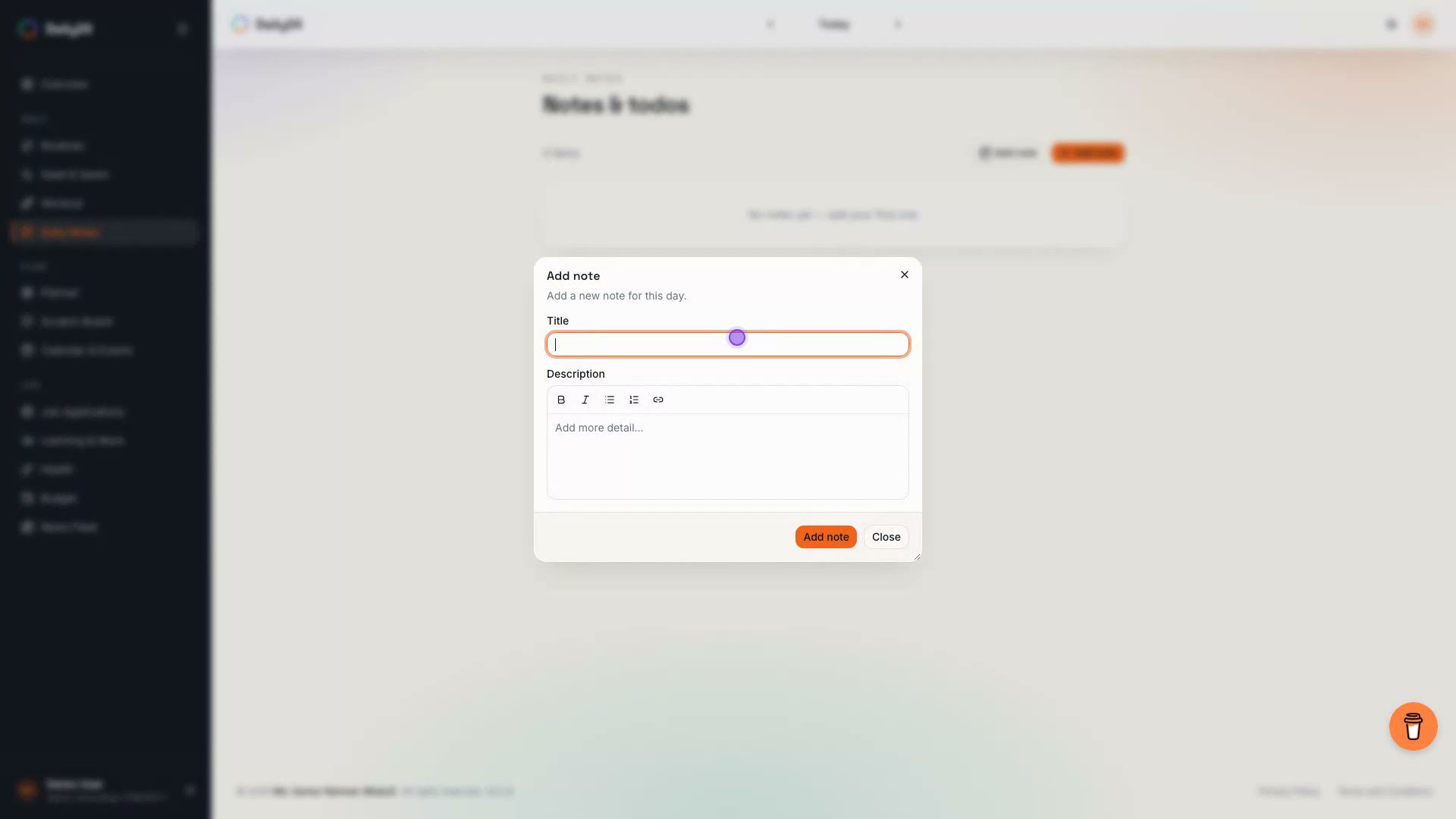
Write a free-form note for the day with rich text, for the thoughts that don't fit a checklist.

Checklist-style todos

Break a todo into its own sub-items and tick them off individually, instead of one flat line item.

Reorder as priorities shift

Notes and todos live together and can be reordered together, so your list matches what actually matters today.

One dial, not a separate app

Your notes and todos sit on the same day as your routines, prayers, workouts, and budget.

Everything included

Built for how notes actually get used

Notes

  • Bold, italic, bullet and numbered lists, and links, right in the editor toolbar
  • Bare URLs auto-linkify as you type or paste — no manual formatting

Todos

  • Unlimited checklist sub-items, added or removed one at a time
  • Tick off items individually, with a live done/total count on the card
  • Expand or collapse the checklist inline, right on the card

Together

  • Drag-and-drop reorder across your whole day's notes and todos
  • Open any item in a full, resizable detail view
  • Edit or delete an item, with one-tap Undo right after a delete
  • Past days show read-only, so your history stays untouched

FAQ

Daily Notes FAQ

Splitting notes and todos into separate apps means priorities live in two places at once — here's why Daily Notes keeps them together instead.

Both live in the same Daily Notes module and can be reordered together, but a Note is a free-form rich-text entry for the day, while a Todo is a checklist item with its own sub-items you can tick off individually.

Track your notes alongside the rest of your day

Daily24 also covers Routines, Salat & Sawm, Workout, Planner, Health, Budget, and Calendar & Events — free to use.

Get started, free